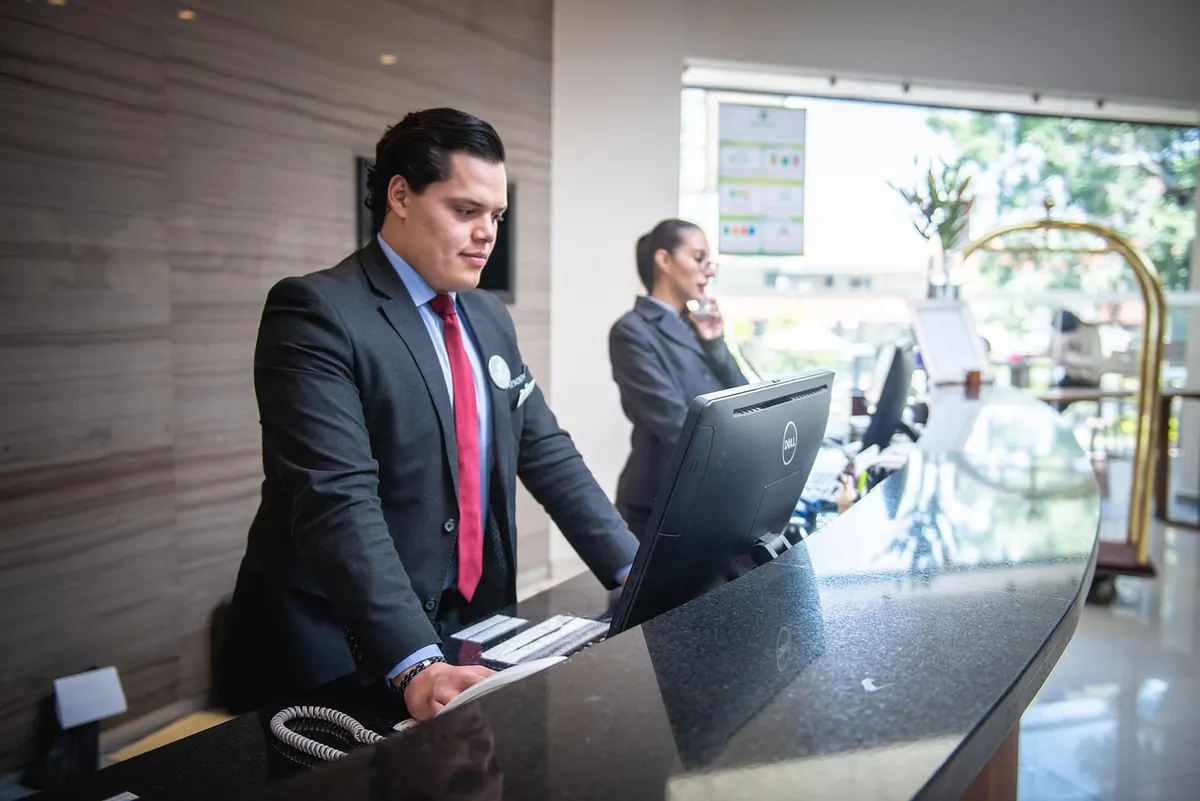
The phone rings at 8:04 on a Tuesday while the front desk is checking in three patients, printing a lab label, and looking for a fax that never arrived. Two rings later, the call drops to voicemail. That missed call is usually a booking, a reschedule, or someone asking whether the office is open on Friday.
Small clinics lose appointments in exactly that gap — not through carelessness, but because a two- or three-person front desk cannot answer every call and still do the rest of the job. A narrowly scoped agent can answer, book, remind, and collect intake details, while the humans take care of the people standing in front of them.
Start by Counting, Not Guessing
Before automating anything, keep a tally sheet beside the phone for one ordinary week. Note the time of each call, the reason, and who handled it. The pattern shows up quickly, and it is usually duller and more repetitive than you expect.
Most of that list will look like this:
- Booking, moving, or cancelling an appointment
- "Are you open today?" and "Where do I park?"
- Confirmation calls for tomorrow's visits
- Intake details — insurance information, date of birth, and the reason for the visit in the patient's own words
- Refill requests, results questions, and anything involving a symptom
That last line is the dividing line. The first four are logistics, and logistics are where an agent does its best work. The fifth is clinical. It belongs to a nurse, a physician, or whoever your practice designates — never to software.
Give the Agent a Narrow, Written Job Description
Resist the urge to automate everything on day one. Pick one job: after-hours booking, or reminder calls, or intake. Get that right before adding the next.
A sensible first scope looks like this:
- Offer open slots that match the patient's stated preference for day, time, and provider
- Confirm out loud: date, time, provider, address, and what to bring
- Send a text confirmation and a reminder two days out
- Reschedule or cancel within your existing rules, without overbooking
- Ask your standard intake questions and pass the answers into the chart as text
- Hand off to a human on request, without argument
Then write the "never" list and post it where staff can see it. No clinical advice. No symptom assessment. No results, no billing disputes, no speculation about coverage. When a caller asks something that needs a licence, a judgement call, or context from the chart, the agent takes a message and says when someone will call back.
If a question needs a licence, a judgement, or the chart, it goes to a person. Everything else can be handled now — or queued cleanly for the morning.
Privacy by Design: Keep the Data Close
This is the part most small practices get wrong, usually by accident. The instinct is to sign up for the first polished product that promises a friendly voice. The better instinct is to ask where the words go.
A privacy-conscious setup keeps as much as possible inside the building. That can mean running the speech and language components on a modest machine in the back office, or on a small private server you control, rather than sending audio to a third party. Your scheduling system stays the single source of truth for appointments; the agent reads and writes to it and stores nothing of its own beyond what it needs.
Practical defaults worth writing into your plan:
- Do not store audio. Transcribe, act, discard. Keep a short text log if you need one for troubleshooting.
- Collect only what the visit requires. If a detail is not needed to book the appointment or prepare for it, leave it out of the script.
- Set a retention window for transcripts and confirm who can read them.
- Ask vendors where data is processed and stored, whether they will sign a business associate agreement where one applies, how deletion works, and what you get back if you leave.
One caution: rules about health information vary by country and state, and small practices are not always covered the same way hospitals are. Confirm your own obligations with a compliance professional or your professional association before putting real patient information through any new system. Nothing here is legal or medical advice.
A Setup You Can Run in a Few Weeks
- Write the script first. Sit with your best receptionist and list the twenty most common calls, with the exact words they use in reply. Warmth lives in specifics — "We have Thursday at 9:15 with Dr. Alvarez, would that work?" beats "What time suits you?"
- Connect the calendar. If your scheduling software has an interface, use it. If it does not, treat that as useful information about your next software decision.
- Route one phone number. Start with after-hours only, forwarding to the agent when the office is closed. Patients keep the number they already know.
- Test quietly for two weeks. Have staff call it, then have five friendly patients call it. Read every transcript at first, and fix the phrasing that trips people up.
- Extend in steps. After-hours, then overflow when the line is busy, then reminders, then intake. Each step gets its own review.
Handoffs, Guardrails, and the Emergency Call
Every call needs a visible exit. A caller who says "I need to talk to someone" should reach a human quickly, and the recording should offer that option early rather than burying it.
Anything that sounds urgent should be treated as urgent: a short message directing the caller to emergency services, plus an alert to your on-call line. Do not let the agent ask follow-up questions about chest pain, bleeding, or breathing. It is not triaging; it is routing.
Also prepare for accents, hearing difficulty, and noisy kitchens. Test with real callers from your own patient list, not just staff reading a script, and keep the sentences short enough for a bad phone line.
What to Watch in the First 90 Days
- How many calls go unanswered, before and after
- How many appointments the agent books end to end without a human
- No-show and late-cancellation rates
- How often callers ask for a person, and how fast they get one
- Complaints — and, more usefully, compliments from patients who noticed
- Minutes of front-desk time returned each day
Ask five patients what the call was like. Their answers will tell you more than any dashboard.
Start Small, Stay Local
You do not need a project team or a new budget line to begin. Choose one task, one phone number, and one two-week test window. Keep the data inside the practice where you can see it, write down what the agent may and may not do, and let a human handle anything clinical.
Do that, and the 8:04 call becomes an appointment instead of a voicemail — with the front desk free to look up and greet the person walking through the door.
Photo: Rodrigo_SalomonHC / Pixabay